Managing Your Searchable Content
The Collections manager lets you control exactly what parts of your website are available when a user types into the search box.
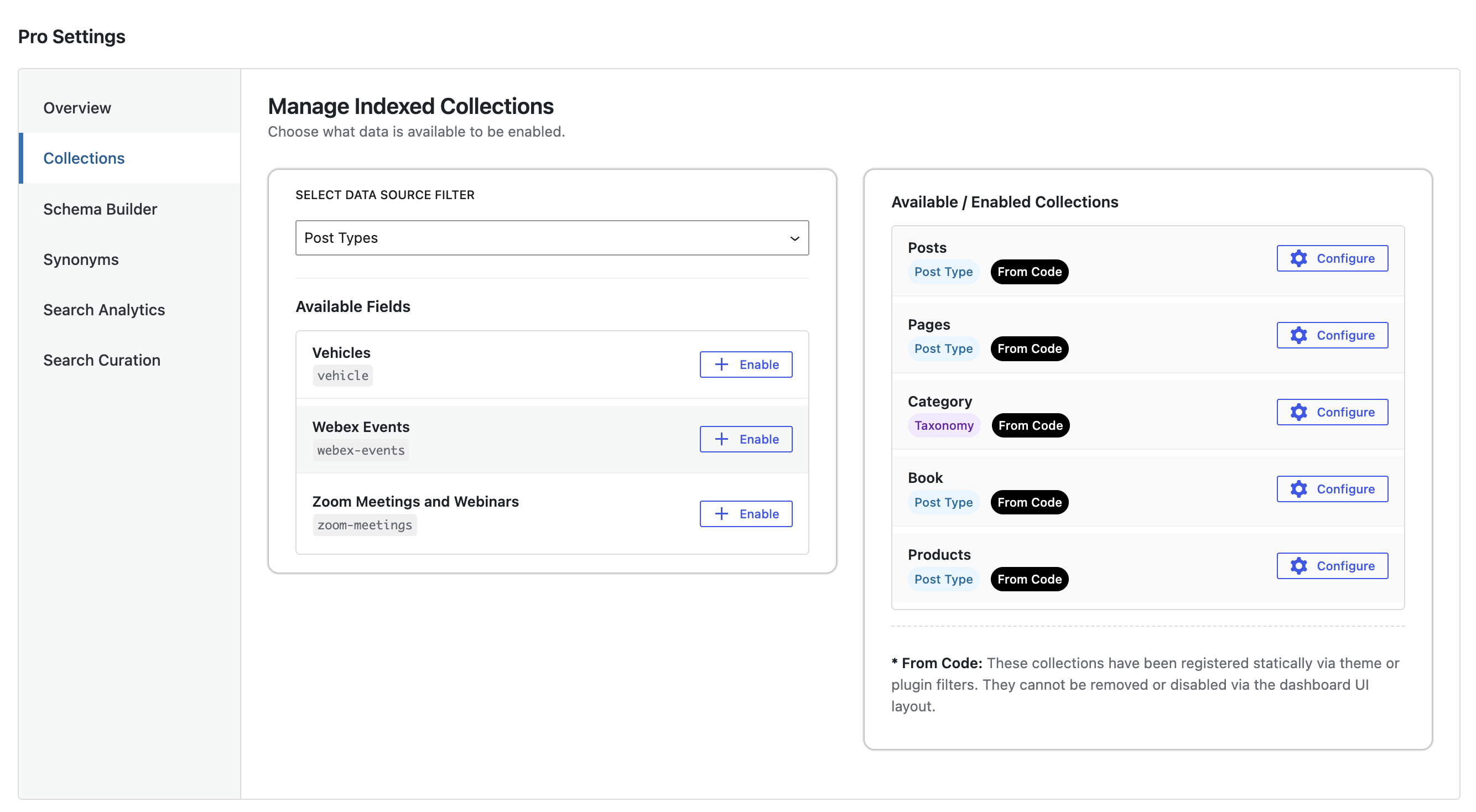
How to Make Content Searchable
- Look at the Available Fields panel on the left.
- Choose from Available Post Types / Taxonomies
- Find the content type you want to include.
- Click the + Enable button. It will instantly move over to your active list on the right.
Managing Active Content
- Static Items (Labeled "From Code"): These have been locked in by your developer or theme. They ensure core content like your primary posts or products are always searchable and cannot accidentally be turned off.
- Custom Content: Any content types you manually enabled can be stopped at any time by clicking the red X Disable button. Note: This does not drop your collection – only disables it on Wordpress